The best way to shoot earrings for ecommerce. Upload a simple phone photo to get a high-quality product image with a pure white background, enhanced metal shine, and gemstone sparkle in 30 seconds. Perfect for listings on Amazon India, Flipkart, Meesho, and Instagram.
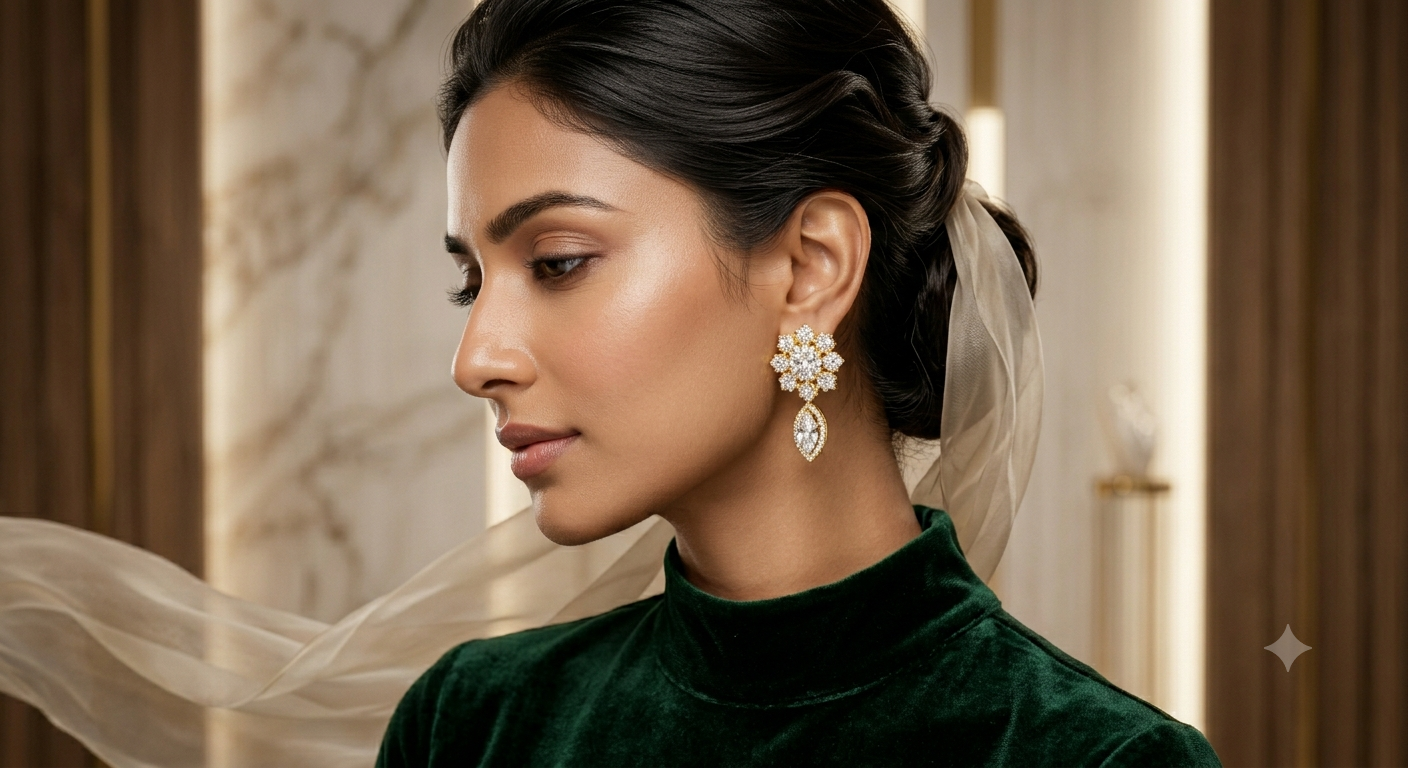
Earring photography is one of the most challenging types of jewellery photography to get right. Earrings are small, highly detailed, and come in dozens of styles like stud earrings, hoops, jhumkas, chandbalis, drop earrings, and danglers. Getting professional results requires understanding how to show details clearly without losing sharpness or creating harsh glares.
For sellers in India, handling jewellery product photography for earrings is critical because earrings are one of the highest-selling categories on Flipkart and Meesho. A buyer clicks on the listing with the clearest representation. The best way to take photos of jewellery like earrings is to have a clean white background, sharp focus on design detail, and accurate gemstone colors. These are exactly the results Mishruh AI delivers automatically.
Simply place your earrings flat on a white surface near natural window light, click a photo with your phone, and upload it. Our system handles the entire process: it removes the background, corrects metal colors, and works as an automated jewellery photo retouching system. You do not need any lightbox, DSLR, or expensive photography accessories.
No lightbox, no DSLR, no photography setup. Just click a phone photo near a window for easy capturing photos and upload. Our system does the processing in 30 seconds.
Diamond studs, ruby drops, emerald jhumkas, pearl chandbalis — our AI enhances the color and sparkle of every gemstone and the shine of every metal.
The best earring photos for ecommerce always have a clean white background. Mishruh AI applies a clean jewellery photography background automatically with no rough edges.
Every earring photo is delivered at 2000 × 2000 px on pure white — exactly what is required for amazon product photography campaigns, passing quality checks on the first upload.
Upload your full earring catalogue at once — studs, hoops, jhumkas, chandbalis, drops. All earring photos are processed together. This is the best way to handle a bulk jewellery photoshoot without a studio.
Earring photography results work equally well for Instagram posts, WhatsApp catalogues, Facebook shops, and Pinterest.
Upload one earring photo right now. Get a professional, marketplace-ready earring image in 30 seconds — completely free for your first photo.
No spam. Support in Hindi & English.
The best way to photograph earrings at home is to place them flat on a white surface near a window in natural daylight, click a photo with your smartphone, and upload it. Our AI automatically removes the background, corrects the metal colour, enhances gemstone sparkle, and gives you a professional earring photo in 30 seconds — no studio, no DSLR, no traditional ai product photography setup needed.
To take professional earring photos for Amazon India and Flipkart, you need a pure white background, correct lighting, and a sharp image that shows the full detail of the earring. With Mishruh AI, you skip the complicated setup entirely. Just upload your photo to get a marketplace-ready image that matches ai jewellery photography standards on the first try.
The best way to take photos of jewellery like earrings is to use natural window light, place the piece on a flat white surface, and get as close as possible to fill the frame. Avoid flash — it creates harsh reflections on metal. Once you have a decent phone photo, Mishruh AI does the rest.
Yes. Mishruh AI supports bulk earring photography. Upload photos of your entire earring catalogue at once — stud earrings, hoop earrings, jhumkas, chandbalis, drop earrings — and all images are processed together.